
Getting started
Signing in to UNION777TH and fixing the usual problems
Signing in from a phone, what to do when a password is lost, and how to keep the account safe.
Using the site
Adding the site to your home screen, managing mobile data, and what to check before a live table.
The site runs in a mobile browser. Nothing to download, nothing to keep updated, no storage used, and no installer from an unknown source to worry about.
Beware fake installers: any link offering an app download for this site is not ours.
If you want an icon that behaves like an app, the browser can make one.
The result opens the site in one tap, with nothing actually installed on the device.
The content pages are static and their images are already sized down, so browsing costs very little. Live tables are the exception: a continuous video stream is by far the heaviest thing here.
The reason to care about the connection is the betting window: if the stream stalls during it, you can miss the round.
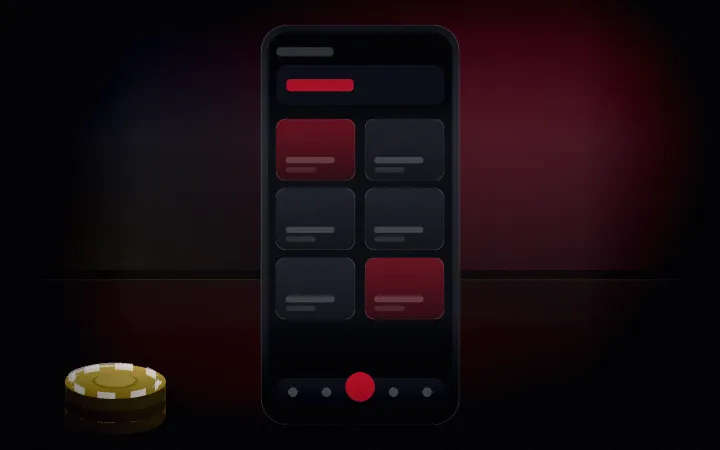
The bottom bar keeps the controls you reach for most within thumb range, with registration in the centre because that is what a new visitor wants first.
The full menu opens from the top right and closes by tapping the dimmed area beside it — no reaching across the screen required.
Next
Signing in from a phone, what to do when a password is lost, and how to keep the account safe.

What the sign-up flow asks for, what to prepare, and why the name on the account has to match your bank.

Deciding a per-session budget, setting a stop time, and the signals that mean it is time to stop.
Open an account, or carry on reading — both are reasonable next steps.